
Written by Juan Martín Gimenez Yunis, Senior Frontend Developer at Distillery
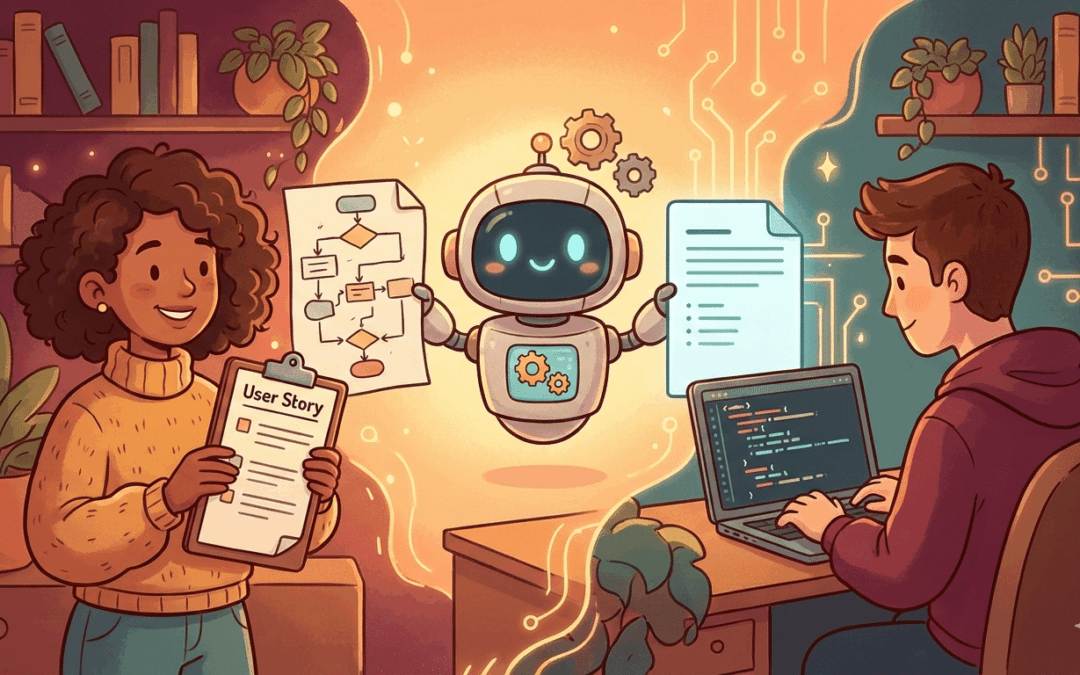
Don’t get me wrong—the work PMs and POs do is excellent. You’re the ones who understand the users, navigate the business constraints, and turn chaos into a coherent product vision. But what if we could take that already great work to the next level? In this new era shaped by AI, there’s an opportunity to create a much more powerful synergy between product and engineering. Let me tell you what I mean.
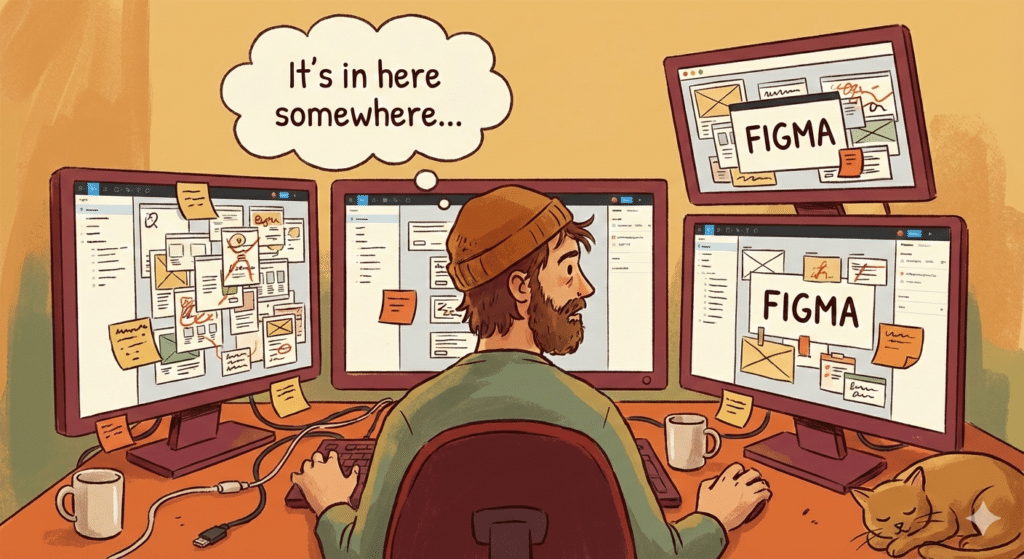
In past experiences across different teams, I’ve encountered user stories that simply said: “See attached Figma for design.” No frame name. No section hint. Just a link to a file with dozens of frames. Almost a few cups of coffee later, I’d find the component I needed, buried in a nested group.
I’m not pointing fingers—this is a process problem that affects every team I’ve worked with. PMs juggle a million priorities. Developers context-switch constantly. The system creates friction.
But here’s the exciting part: this doesn’t have to happen anymore.
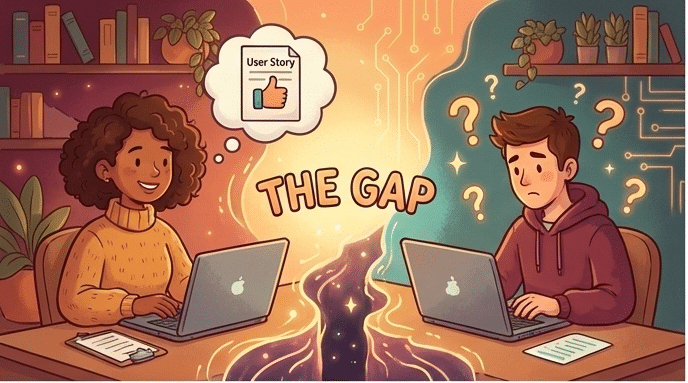
The real problem: user stories that need rewriting before we can use them
Here’s what this looks like in practice: I receive a user story, and before I can even start coding—or feed it to my AI development tools—I have to rewrite it. I need to add the missing edge cases, clarify the acceptance criteria, and find the correct MCP link to give the AI the right design context (more on this ahead). The story as written isn’t actionable; it’s a starting point for a conversation.
This matters more than ever now. According to the Consortium for Information & Software Quality (CISQ), poor software quality cost the US economy an estimated $2.41 trillion in 2022—and a significant chunk of that traces back to requirements issues. When specs are unclear, bugs slip through, rework piles up, and everyone loses time.
This is the core friction. If user stories were clear and complete from the start, developers could take them and run—whether coding manually or using AI assistants. Instead, we spend time translating intentions into specifications.
And there’s a compounding factor: every PM has their own style. Some write detailed acceptance criteria using structured formats like Given/When/Then; others write free-form paragraphs or skip edge cases entirely. This inconsistency creates a hidden tax on every team.
The solution: AI sub-agents as the great equalizer
A few weeks ago, I attended a Cursor workshop where a tech lead from MercadoLibre—focused on GenAI productivity—was one of the speakers. He introduced Specification-Driven Development (SDD) and I learned that MercadoLibre had run an internal workshop on this for over 7,000 developers.
The core insight: “Vibe coding doesn’t work at enterprise scale.” You need structured specs.
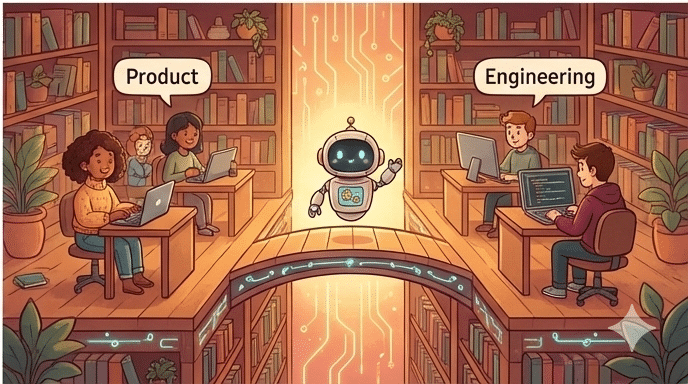
Here’s the opportunity for product teams: a company-wide AI sub-agent that helps every PM write better user stories.
Imagine: instead of forcing PMs to change how they work, you give them an AI assistant pre-configured with your company’s conventions. The PM describes what they need naturally. The sub-agent asks clarifying questions: “What happens if the email isn’t found? How long should the reset link be valid?” Based on the answers, it drafts a complete, standardized user story.
For PMs, this is a win too: less time in alignment meetings and Slack threads clarifying what you meant. You catch gaps before devs start working. No need to memorize templates—the sub-agent handles structure.
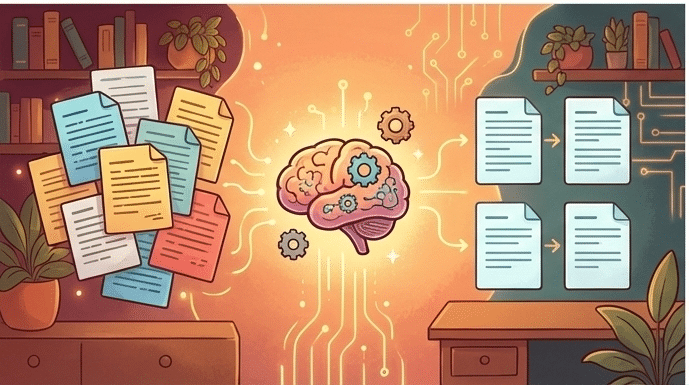
For developers? We spend less time decoding and more time building. For the organization? When a senior PM leaves, their wisdom about writing good specs doesn’t walk out the door—it’s embedded in the sub-agent everyone uses.
Getting started: three things you can do now
1. Start with precise Figma links (this one’s a superpower). Instead of linking entire Figma files, select the specific component and copy its link (Cmd+L on Mac). That URL includes a node-id pointing directly to that exact element. No more treasure hunts. This simple change can save hours of back-and-forth per sprint—for you and for devs. For the technical details, check out Figma’s MCP server guide.

2. Experiment with Claude for drafting. Paste your user story into Claude and ask: “What edge cases am I missing? What questions might a developer have?” You might be surprised what surfaces—and it takes two minutes. Think of all the async Slack threads and alignment meetings this could replace.
3. Talk to your developers. Ask them: “What was the last story that was frustrating to implement?” Their answers will tell you exactly what to focus on—and they’ll appreciate that you asked.
What do you think?
The tools exist. Companies like MercadoLibre are already moving. The question is whether we—PMs and developers together—will grab this opportunity.
Some Sources:
- CISQ: Cost of Poor Software Quality 2022 — The $2.41 trillion estimate
- GitHub spec-kit — Open-source SDD toolkit
- Figma MCP Server Guide — Precise design linking
- Claude Sub-agents Docs — Configuring AI agents